
Installation
The video follows the path from first boot to the panel address. The stills below are chosen from that same recording.
What you see
-
The machine boots the image
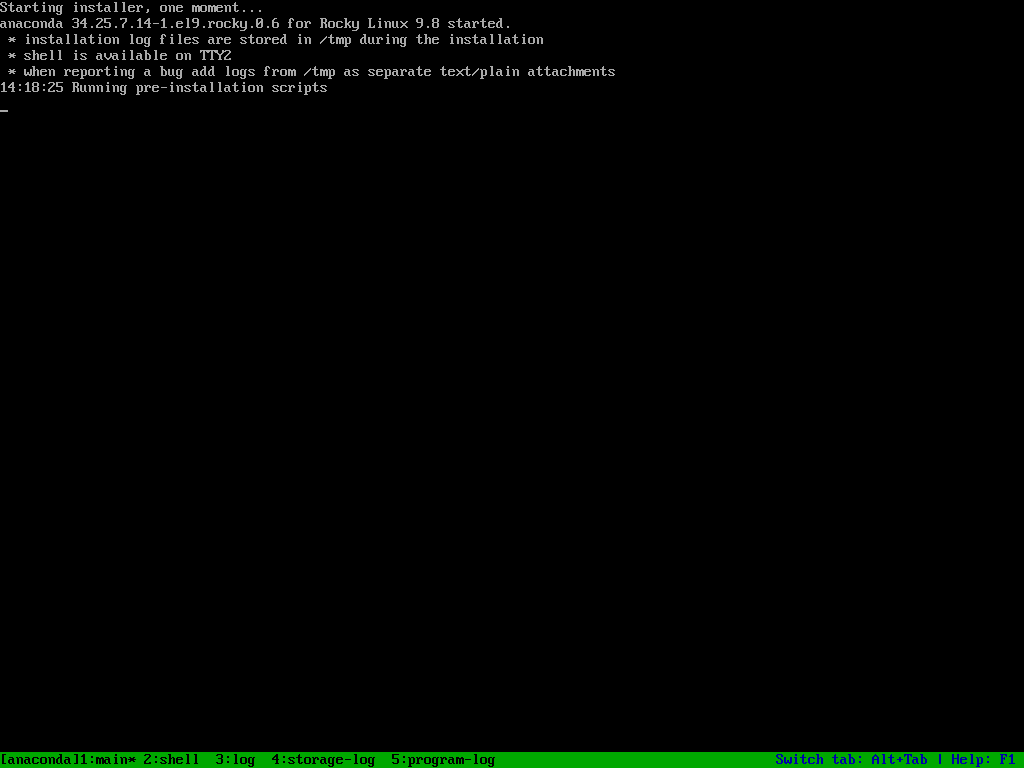
The memory check finishes. The installation image takes over. Continue on the license screen. Nothing looks for an outside repository.
-
Packages are written from the image
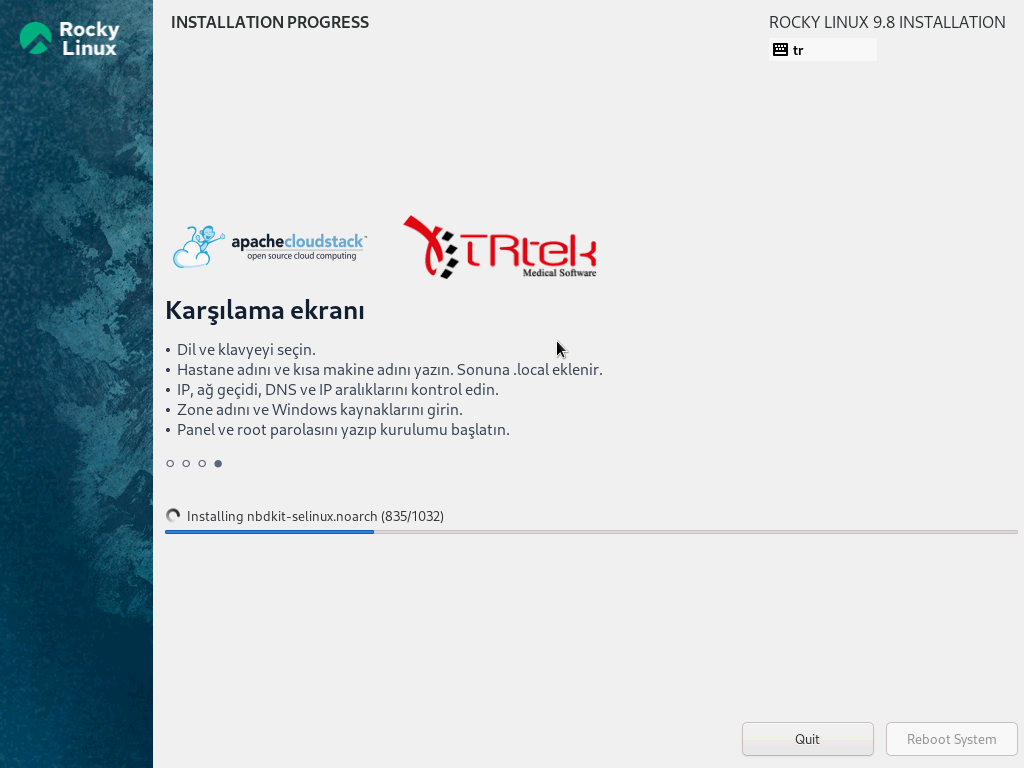
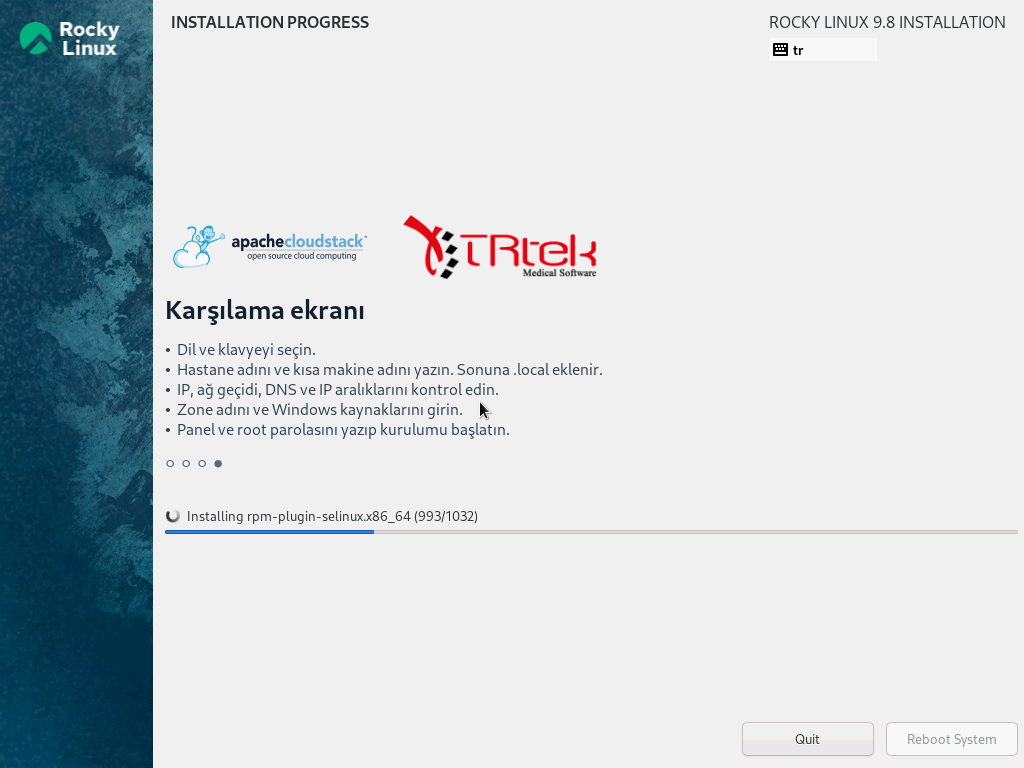
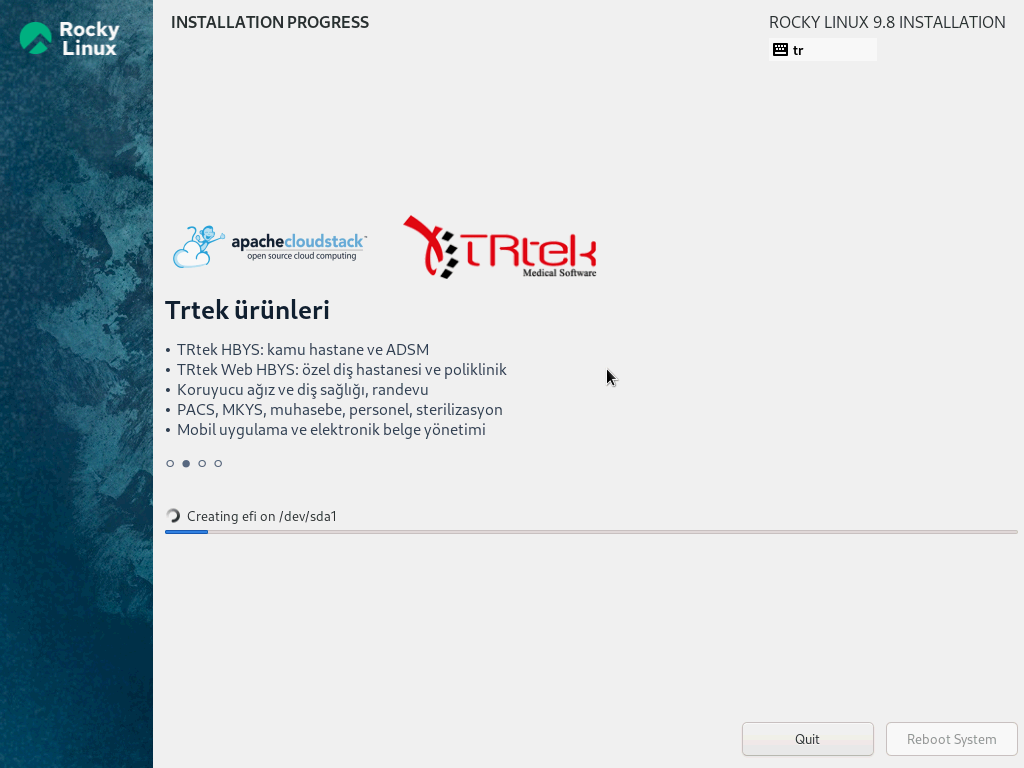
The disk is prepared and files are written. The bar at the bottom is that progress. A “downloading” line means the packages are being read from the installation image.
-
Language and welcome
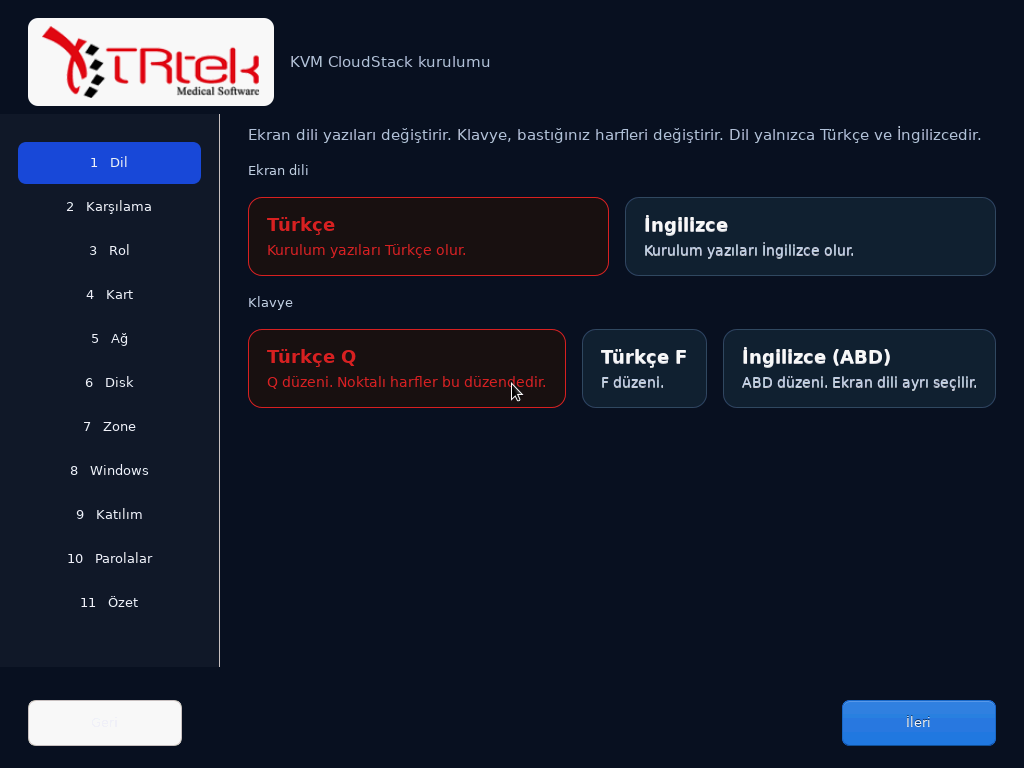
The machine boots from disk. Language is Turkish, keyboard is Turkish Q. The welcome screen asks for the institution name and a short host name. On this image the role is the server: management, database, and virtual machines live here.
-
NICs are chosen
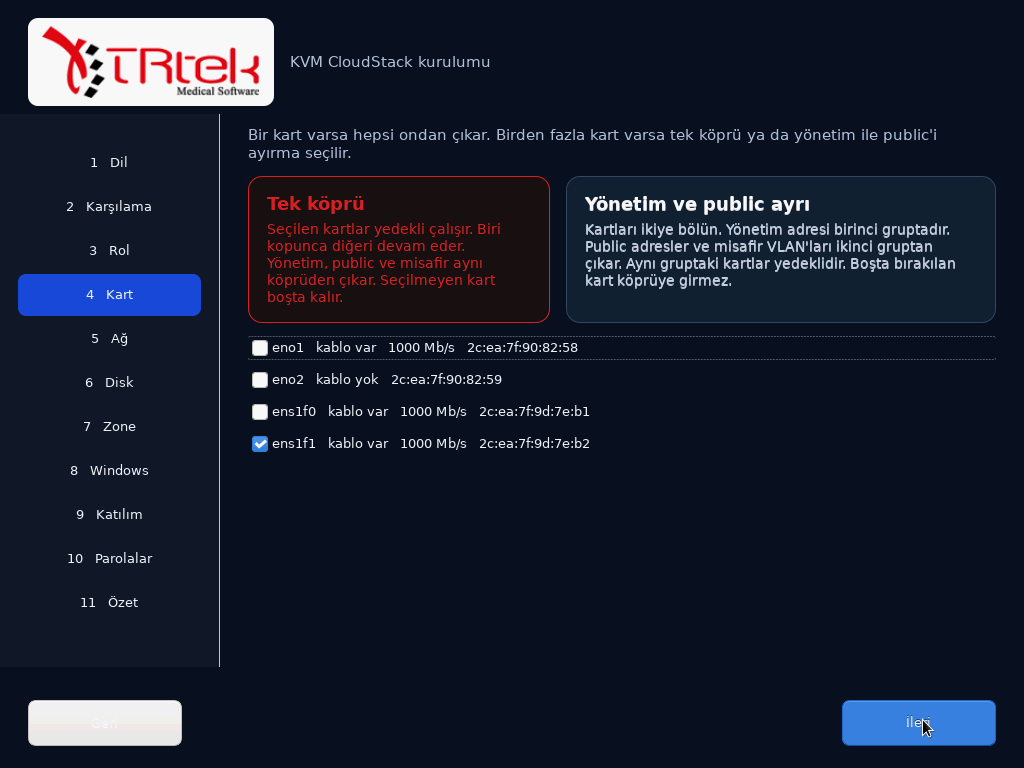
On a single bridge, selected NICs are gathered together. The management address, public addresses, and guest machines leave through that bridge. More than one NIC means they back each other up. Split mode divides the NICs into two groups.
-
Notes while it installs
While packages install, the screen rests TRTEK and CloudStack notes on top of one another: products, the company, the network. There is no hard cut. Progress stays on the bar below.
-
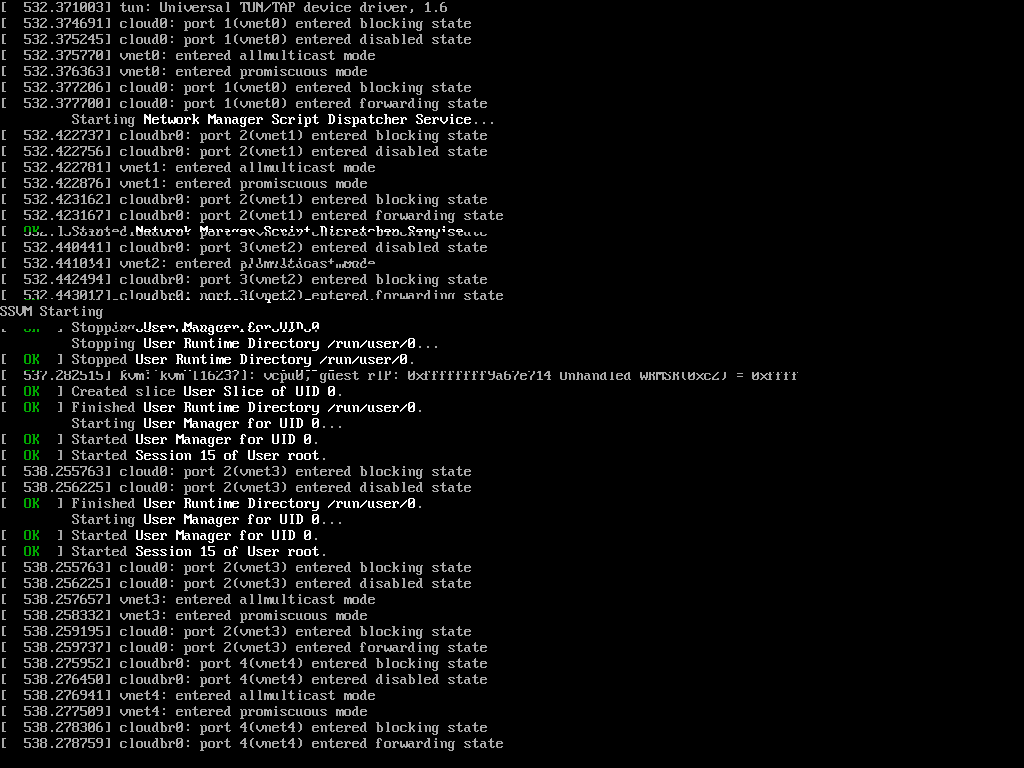
Bridges come up
When installation finishes the machine boots again. The cloudbr bridges move to forwarding. The panel opens on the address from the summary. Zone, VLAN, and passwords are on the configuration page.