01
Zone is ready
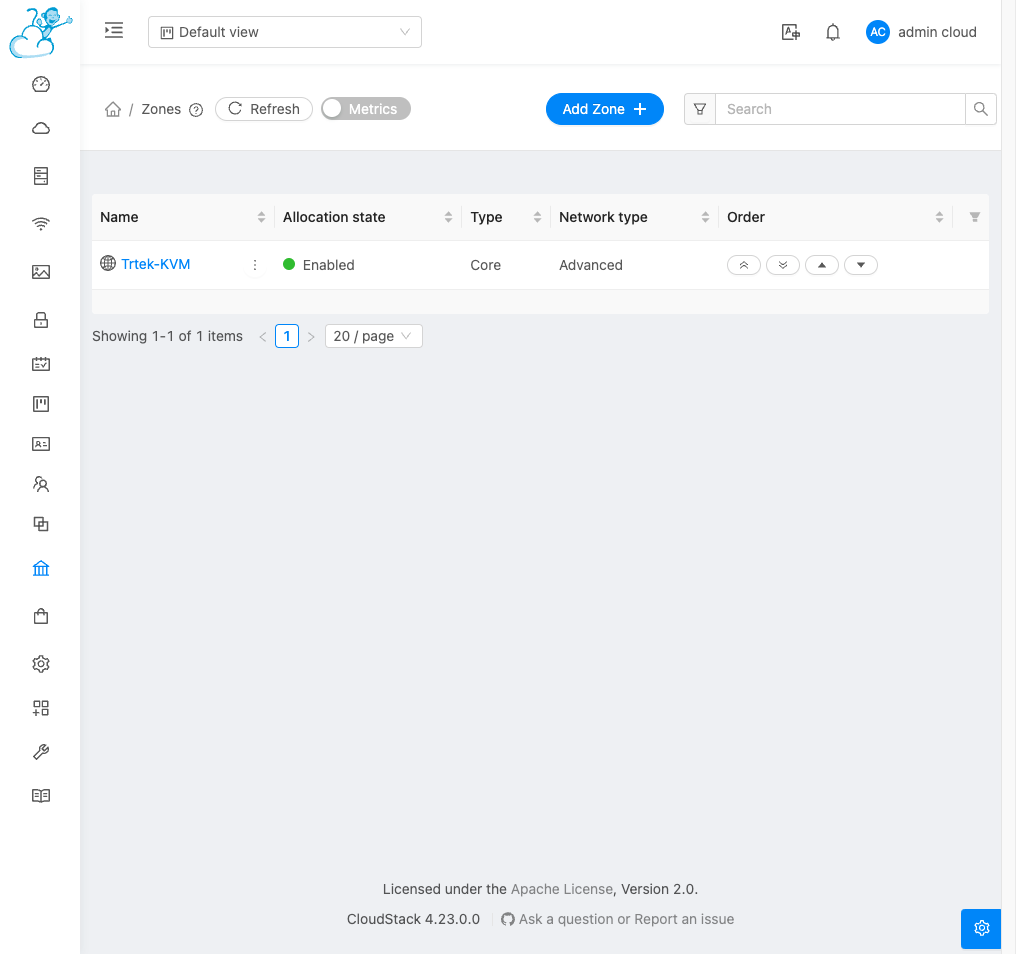
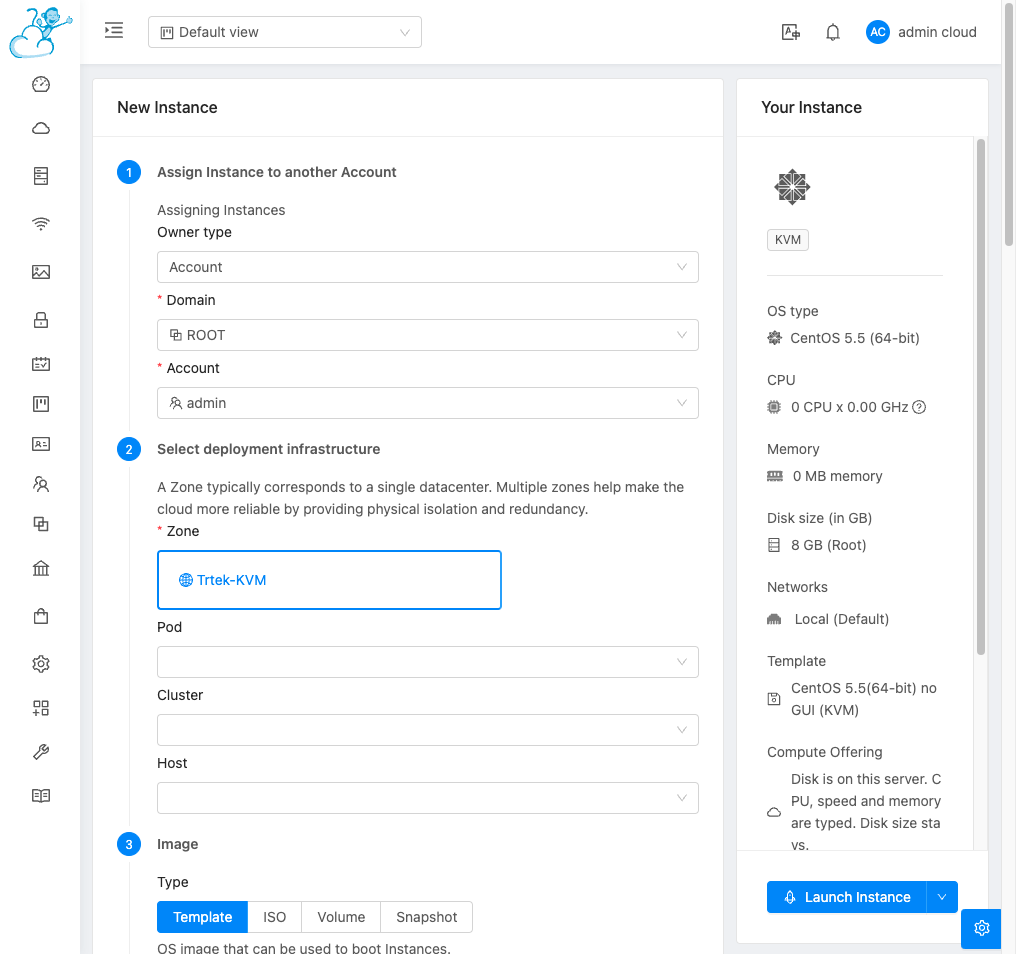
The install opens the zone. Its name is Trtek-KVM. Its state is enabled. You do not create the zone.


The install leaves the zone, disk, template, and network ready. Once you open the panel, the job is to start a virtual machine and try it.
01
The install opens the zone. Its name is Trtek-KVM. Its state is enabled. You do not create the zone.
02
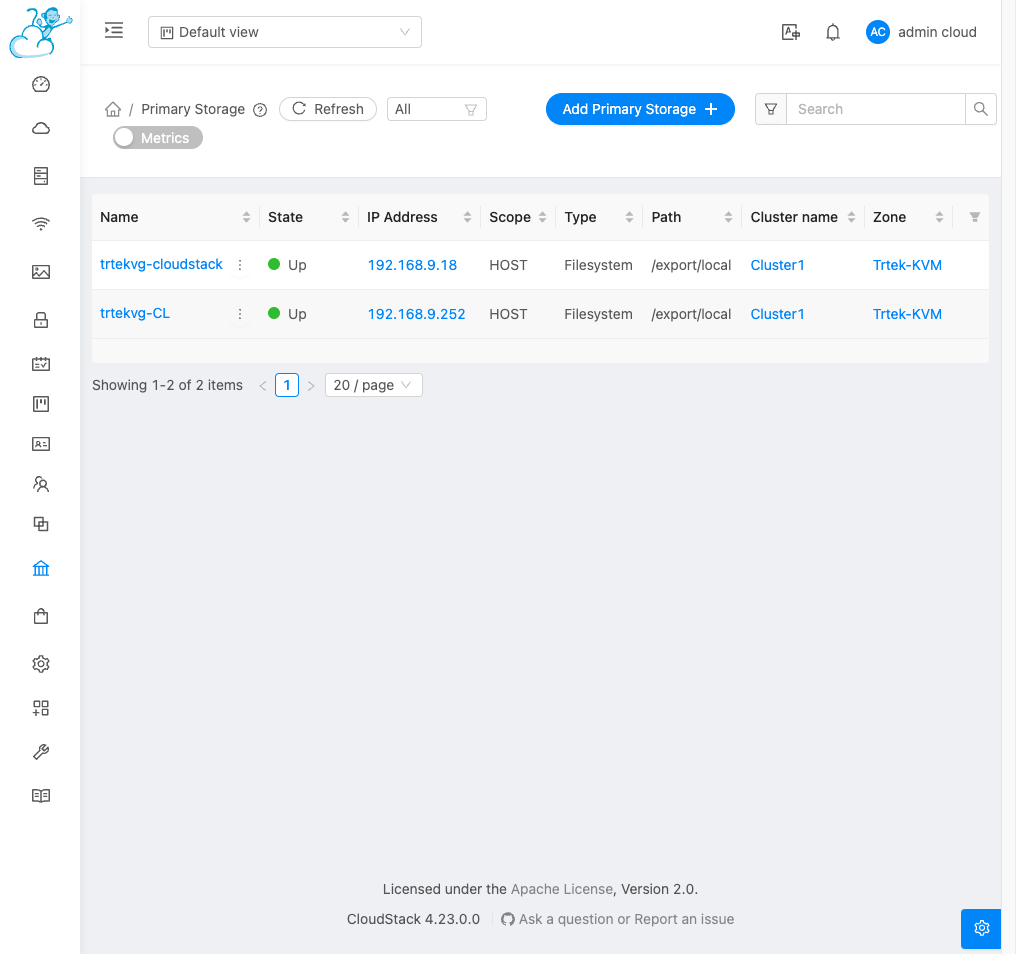
Virtual machine disks are written to these stores. Both are up. Templates sit on secondary storage. That is connected during install too.
03
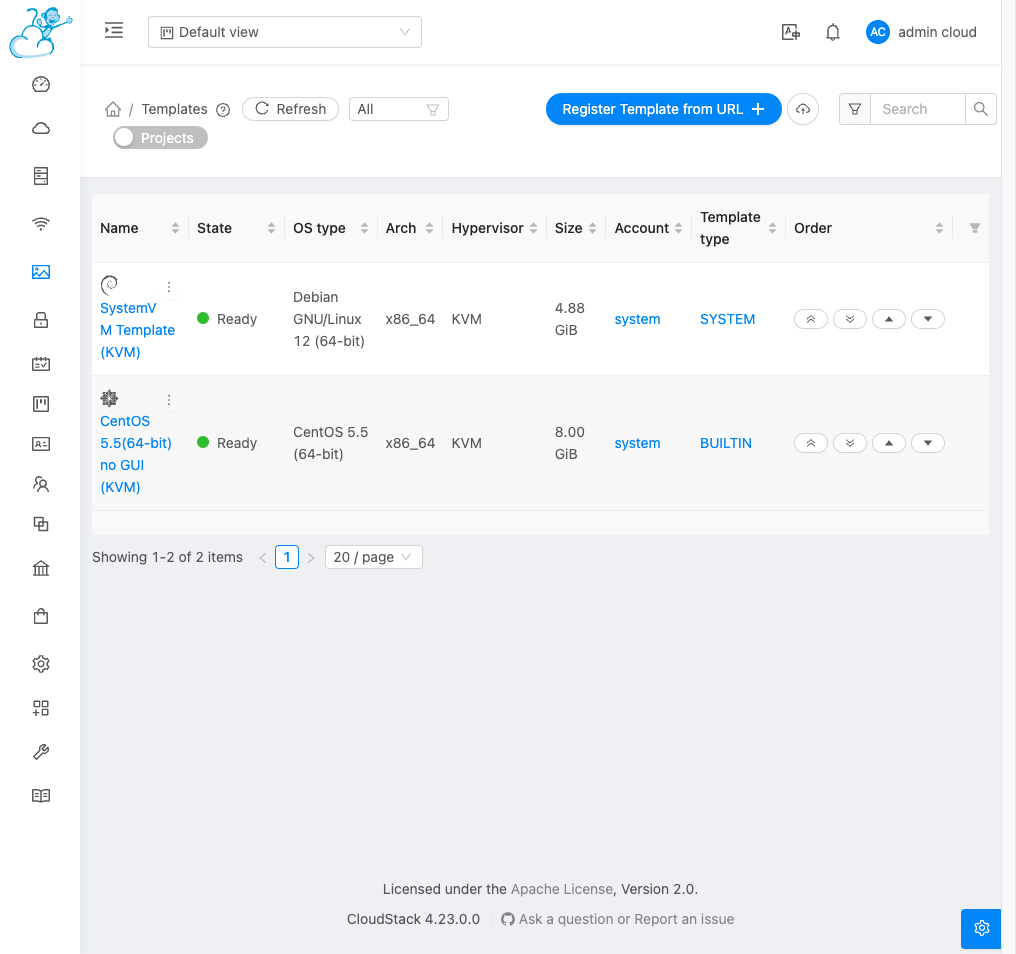
The trial machine boots from this list. CentOS is ready. The SystemVM template belongs to the system. Leave it alone.
04
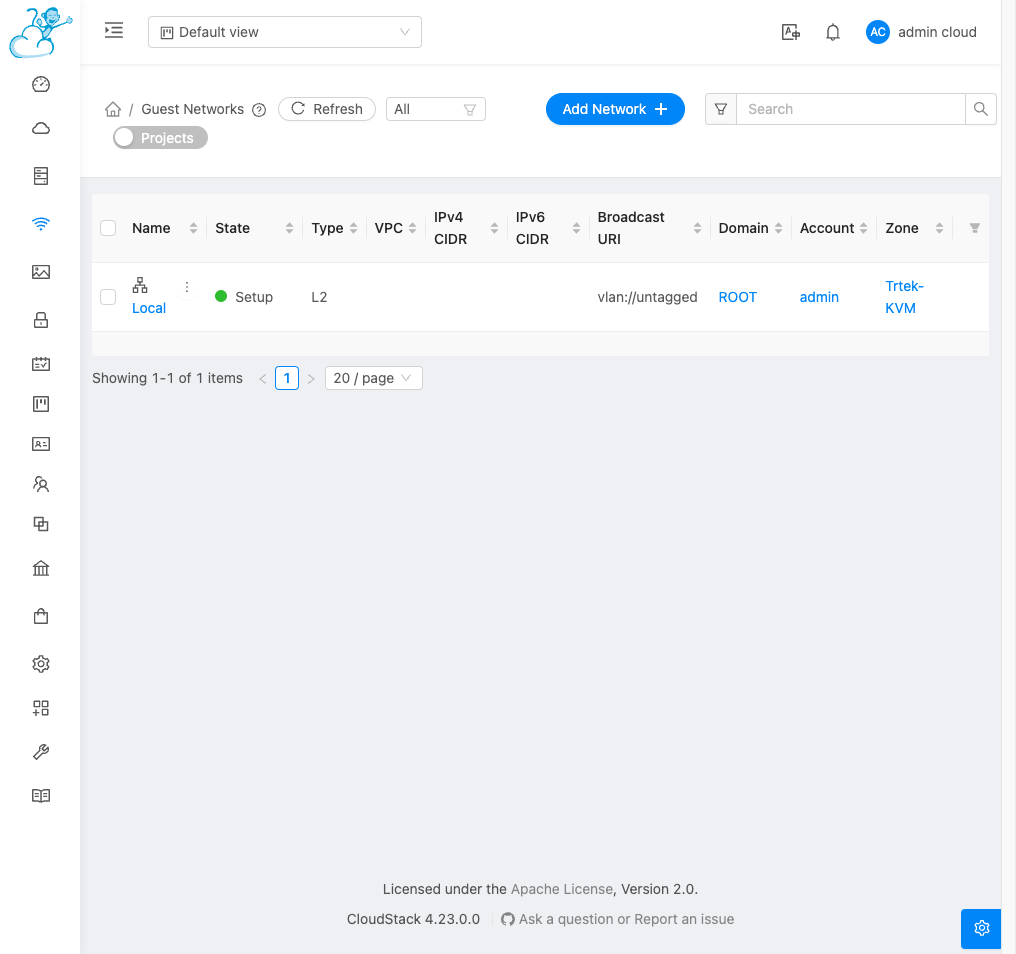
The guest network is named Local. A new machine attaches to it. Isolated networks are an extra. You find them later in the panel.
05
Add Instance opens. Zone, network, and template are already filled. Launch Instance starts the trial machine.